Laser vs Inkjet Printers for Infrequent Use: Which Is Better? (October 2026)
A monochrome laser printer is usually the simpler choice for infrequent document printing, while an inkjet suits occasional color and photo jobs. How long it sits between jobs, what you print and whether you need scanning or copying help decide.
On this page (7 sections)
- Is a laser or inkjet better for infrequent use?
- What changes when a printer sits unused?
- Which printer fits occasional color printing?
- Do you need an all-in-one printer?
- How should you choose for occasional printing?
- What should you expect from supplies and upkeep?
- Which type should you choose for long gaps between jobs?
A monochrome laser printer is usually the simpler choice for infrequent document printing, while an inkjet suits occasional color and photo jobs. The right laser vs inkjet printer for infrequent use depends on what you print, how long it may sit idle and whether you need an all-in-one.
Laser printers use toner, while inkjets use liquid ink. That difference matters when your printer may go unused for weeks or months, but color needs and extra functions can matter just as much.
Is a laser or inkjet better for infrequent use?
Choose a monochrome laser for occasional black-and-white documents; choose an inkjet for color pages or photos. If you print only now and then, think about the kind of page you need before comparing speed or extra features.
Inkjet printheads can clog when a printer sits unused, and ink can dry around the nozzles. How often that happens depends on the printer and conditions, so check the care instructions for the model you are considering.
A laser printer uses toner rather than liquid ink. That avoids the same ink-drying concern, though it still needs normal care and the right supplies.
For a wider look at home use, see our Laser Printer vs Inkjet for Home Use: An Easy Breakdown. For this decision, the main question is whether the long idle period is more important than color output.
What changes when a printer sits unused?
Long gaps can make inkjet upkeep more relevant, while a laser's toner-based printing avoids dried ink in the printhead. Neither type is maintenance-free, so use the manufacturer's instructions for care and storage.
If you choose an inkjet, occasional printing may still work well when you need color, copying and scanning in one machine. Check its manual for any recommended maintenance steps instead of assuming a fixed schedule for all inkjets.
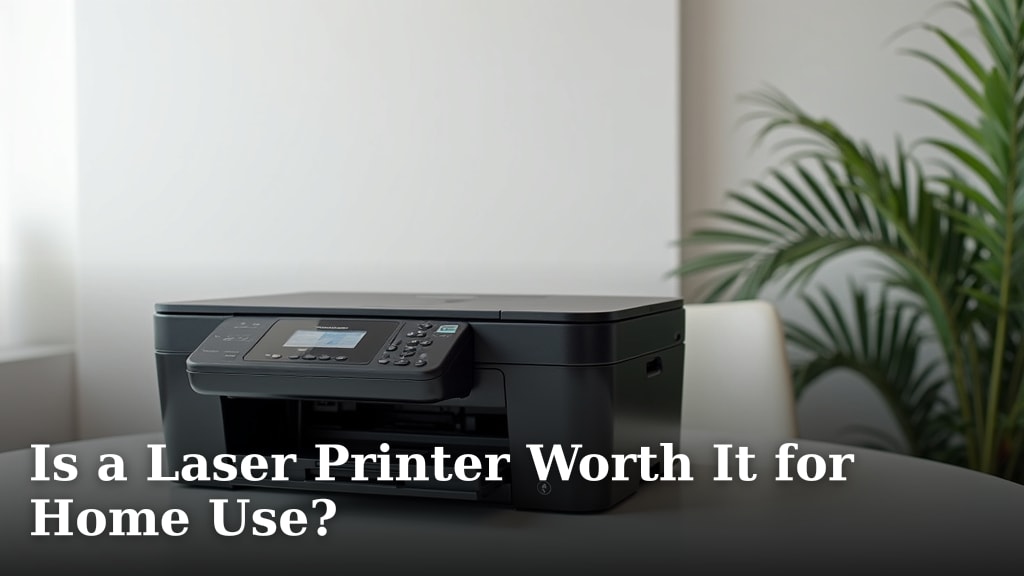
If you choose a laser, match the model to your page type. The Brother HL-L2405W is a print-only monochrome option with wireless and USB connections.
The Brother MFC-L2820DW adds copying, scanning and faxing, along with a 50-page auto document feeder. Its extra functions are useful if you handle multi-page tasks, even if printing is occasional.
Which printer fits occasional color printing?
An inkjet is the better fit when color pages or photos are part of your occasional jobs. A monochrome laser cannot print color, so consider how often that need comes up before ruling out ink.
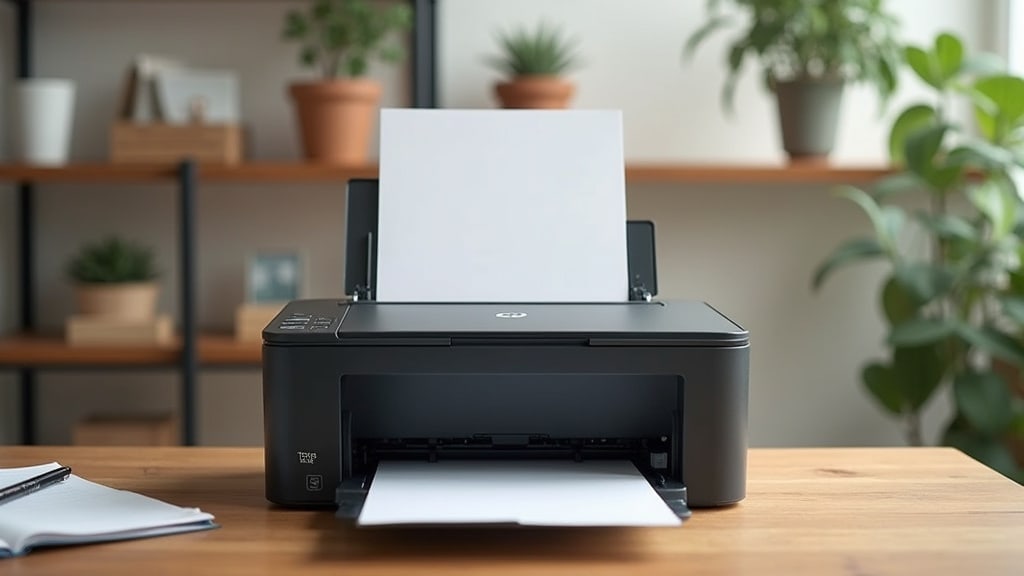
The Canon PIXMA TS7720 prints, copies and scans in color and supports automatic duplex printing. Its maker describes it for home use and photo printing, with a 2.7-inch touchscreen.
The HP Envy 6155 also prints in color and includes scanning, copying and automatic two-sided printing. It has a 100-sheet input tray, which can suit a home setup that keeps paper loaded for occasional use.
If you're weighing the broader trade-offs, Can a Laser Printer Replace an Inkjet Printer? explains where the two types differ. A laser can cover black-and-white documents, but it cannot replace an inkjet when color printing is part of the job.
Do you need an all-in-one printer?
Choose an all-in-one only if you will use its scanner or copier as well as its printer. A printer that sits idle most of the year may not need extra functions, but those features can save space if you do use them.
The Brother HL-L2405W is a print-only model. It's a direct fit when you need a compact way to print documents and don't expect to scan or copy.
The Brother MFC-L2820DW prints, scans, copies and faxes. Its 50-page auto document feeder can help with multi-page paperwork, while automatic duplex printing can handle two-sided pages.
Both Canon and HP options here print, scan and copy in color. Compare the functions you expect to use with our guides to Is a Laser Printer Worth It for Home Use? and What Type of Printer Is Good for a Student?.
How should you choose for occasional printing?
Start with output type, then decide whether you need extra functions and connections. This keeps a rare color job from pushing you toward a printer that doesn't suit your usual pages.
If nearly every page is a letter, form or worksheet in black and white, a monochrome laser is a straightforward match. The Brother HL-L2405W includes a 250-sheet paper tray, while the MFC-L2820DW adds an automatic document feeder and all-in-one functions.
If you print photos, color documents or charts, choose a color inkjet. The Canon PIXMA TS7720 and HP Envy 6155 both add color printing with scanning and copying.
Connection options may matter when more than one device needs to print. The HL-L2405W supports dual-band wireless and USB, while the MFC-L2820DW offers dual-band wireless, Ethernet and USB.
A small budget may shape the choice, but don't compare the printer price alone. Our Best Home Printers Under 100 dollars guide can help you consider home options alongside the features you need.
What should you expect from supplies and upkeep?
Check the supply type and care instructions before buying, especially if the printer will sit unused. Toner and ink are different supplies, and each model uses its compatible cartridges.
The Brother laser models use TN830 or TN830XL toner. The Canon PIXMA TS7720 uses PG-285 black and CL-286 color cartridges, while the HP Envy 6155 uses HP 68 black and tri-color cartridges.
For an inkjet, follow the maker's instructions during long gaps and respond to any print quality changes as directed. For a laser, use compatible toner and follow the manual for cleaning and storage.
Don't choose from a general rule about cost per page unless you know how much you print and which supplies you will buy. A printer used for only a few pages a year may reward a different balance of convenience and color than one used each week.
Which type should you choose for long gaps between jobs?
Pick a monochrome laser if you mostly print documents and want to avoid inkjet printhead upkeep; pick an inkjet if color and photos matter. Choose a print-only model for basic pages or an all-in-one if you'll scan and copy.
The Brother HL-L2405W fits occasional black-and-white printing, and the Brother MFC-L2820DW adds office functions. For color, compare the Canon PIXMA TS7720 and HP Envy 6155 based on the functions you need.
For a broader technology comparison, read Laser Printer vs Inkjet Printer: The Main Facts.
Frequently asked questions
Is a laser or inkjet printer better if you print rarely?
A monochrome laser is often a practical fit if you print black-and-white documents and may leave the printer unused for long periods. An inkjet makes more sense when occasional color pages or photos matter.
Consider your real print needs, since a laser cannot replace an inkjet for color output.
Can ink dry out if an inkjet sits unused?
Inkjet printheads can clog or ink can dry around the nozzles during long idle periods, depending on the printer and conditions. Follow the manufacturer's care instructions and check whether the printer runs maintenance cycles.
If you want to avoid that upkeep, compare a monochrome laser for document-only printing.
Does a laser printer need regular printing?
A laser printer uses toner rather than liquid ink, so dried ink in the printhead is not the same concern. It still needs normal care, such as keeping it clean and using the correct supplies.
Check its manual for storage and maintenance advice if you expect long gaps between jobs.
Should I get a color printer if I only print sometimes?
Choose a color printer if you expect to print photos, charts or color documents, even occasionally. If nearly all your pages are forms, letters or school work in black and white, a monochrome laser may better match the job.
Count scanning and copying needs too.
Which printer is easier to leave unused?
A monochrome laser avoids the inkjet-specific concern of ink drying or printhead clogs, which can matter after long idle periods. That does not make every laser maintenance-free.
Follow the model's care instructions and choose an inkjet if color output matters more than avoiding ink upkeep.